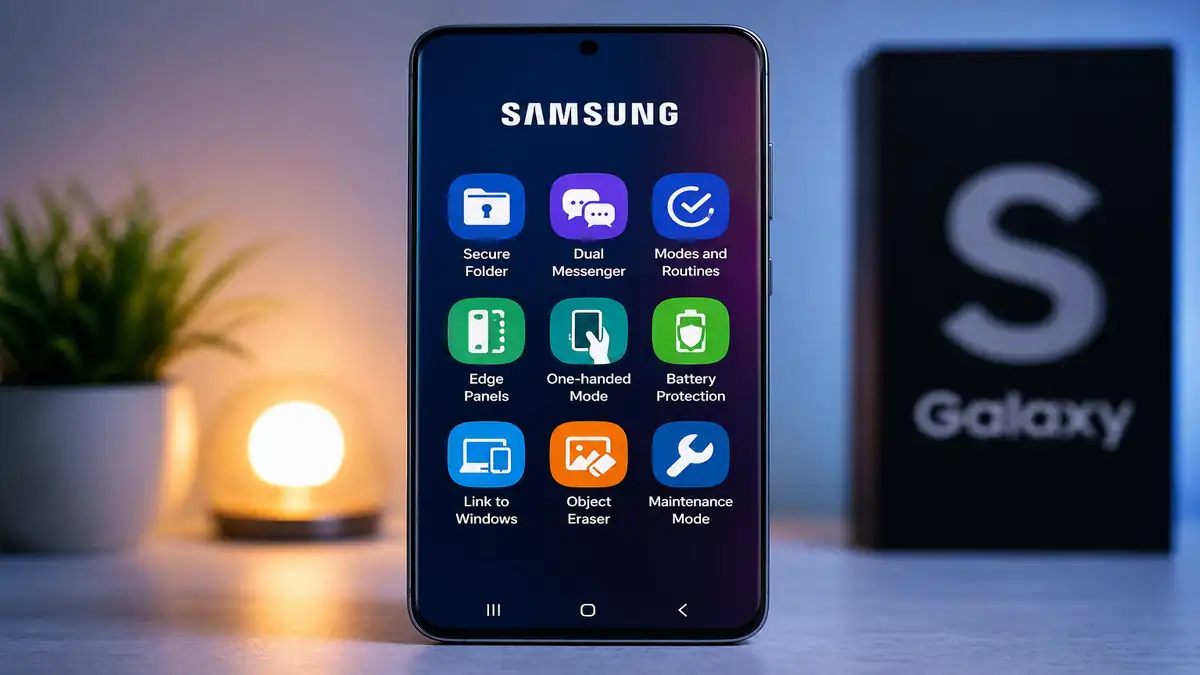
Discover 10 Secret Samsung Features Most Users Never Use in 2026
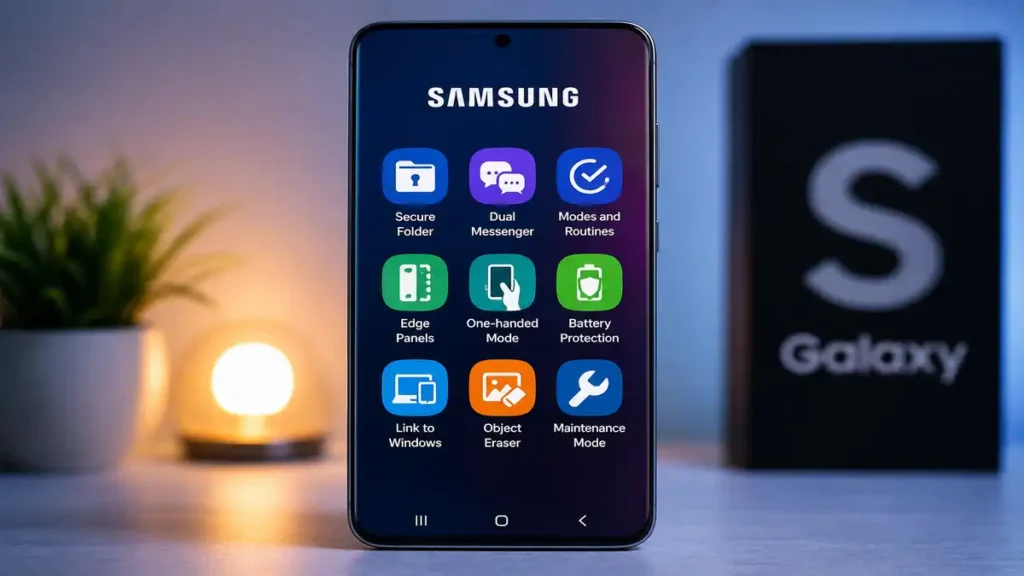
10 Secret Samsung Features Most Users Never Use (But Should in 2026)
Samsung smartphones are packed with powerful tools that many people never discover. Most users stick to basic functions like calls, WhatsApp, photos, and social media, while hidden features quietly sit inside the settings waiting to make life easier.
Whether you use a Galaxy A series, Galaxy S series, Galaxy Z Fold, or Galaxy Note device, Samsung includes smart features designed to improve privacy, battery life, security, multitasking, and daily convenience.
The surprising part is that many of these tools are already on your phone—you do not need to download extra apps or spend money to use them.
In 2026, with mobile scams increasing and smartphone usage becoming even more important for work, school, and banking, knowing these hidden features can help protect your phone and improve your experience.
Here are 10 secret Samsung features most users never use—but absolutely should.
1. Secure Folder Protects Private Apps and Files
This is one of Samsung’s best hidden features.
Secure Folder creates a protected private space inside your phone where you can store sensitive photos, banking apps, private documents, notes, and even separate versions of apps like WhatsApp.
It adds an extra layer of security using:
- fingerprint lock
- password
- PIN
- pattern unlock
This is perfect for people who share phones with family members or want extra privacy for important information.
You can find it under:
Settings > Security and Privacy > Secure Folder
2. Battery Protection Mode Helps Your Battery Last Longer
Many users damage their battery by charging to 100% every day.
Samsung now offers Battery Protection, which limits charging to around 85% to reduce long-term battery wear.
This helps preserve battery health for months and even years—especially useful for students and professionals who rely heavily on their phones.
To activate it:
Settings > Battery > More Battery Settings > Protect Battery
Small change, big long-term benefit.
3. Link to Windows Connects Your Phone to Your PC
Many people still email themselves files when Samsung already offers something better.
Link to Windows allows your phone to connect directly with your laptop so you can:
- view messages
- answer calls
- transfer photos
- open apps
- copy and paste across devices
This is extremely useful for students, office workers, and remote workers.
It saves time and improves productivity instantly.
4. One-Handed Mode Makes Big Phones Easier to Use
Modern Samsung phones are large, and using them with one hand can be frustrating.
One-Handed Mode shrinks your screen temporarily so you can reach everything easily with your thumb.
This helps when:
- walking
- commuting
- carrying bags
- replying quickly with one hand
You can enable it here:
Settings > Advanced Features > One-Handed Mode
Once you start using it, it becomes difficult to stop.
5. Theft Protection Helps Lock Your Device Faster
Phone theft remains a serious issue in many cities.
Samsung devices now include stronger anti-theft protections that help secure your data quickly if your phone is stolen.
Combined with:
- Samsung Find My Mobile
- Google Find My Device
- remote lock options
you gain a much stronger defense against unauthorized access.
Activating these settings before a problem happens is far better than trying to fix things later.
6. Dual Messenger Lets You Use Two WhatsApp Accounts
Many people do not know Samsung supports dual messaging.
Dual Messenger allows you to run two separate accounts for supported apps like:
- Facebook Messenger
- Telegram
- Snapchat
This is useful for separating:
- personal life
- business communication
- side hustle accounts
- client messaging
Instead of carrying two phones, one device can handle both.
7. Edge Panels Give Faster Access to Everything
This feature is often ignored but incredibly useful.
Edge Panels create a swipe-out shortcut panel from the side of your screen where you can quickly access:
- favorite apps
- contacts
- clipboard
- screenshots
- weather
- calculator
- smart tools
It improves speed and reduces unnecessary tapping.
Power users love this feature because it saves time every day.
8. Object Eraser Improves Photos Without Extra Apps
Samsung Gallery includes a hidden editing tool many users miss.
Object Eraser lets you remove unwanted people or background distractions from your photos without downloading separate editing apps.
This is helpful for:
- travel photos
- graduation pictures
- family events
- product photos for business
It turns ordinary photos into cleaner, better-looking images instantly.
9. Modes and Routines Automate Your Phone
This feature feels like having a personal assistant.
Modes and Routines lets your phone automatically change settings based on time, location, or activity.
For example:
- turn WiFi on when you get home
- activate silent mode during class
- enable battery saving at night
- launch Spotify during workouts
This saves effort and makes your phone smarter without constant manual changes.
10. Maintenance Mode Protects Your Data During Repairs
This is one of Samsung’s smartest security tools.
When taking your phone for repairs, Maintenance Mode hides your private data so technicians cannot access personal photos, messages, banking apps, or files.
This gives peace of mind during service visits.
In 2026, where privacy matters more than ever, this feature is incredibly valuable.
Final Thoughts
Most people use only 30% of what their Samsung phone can actually do.
The rest stays hidden behind menus, settings, and features that were designed to make life easier, safer, and more productive.
From stronger privacy tools like Secure Folder to practical upgrades like Dual Messenger and One-Handed Mode, these features can completely change how you use your device.
The best part is simple: they are already built into your phone.
You do not need expensive accessories or paid apps—just a few minutes to explore your settings.
In a world where smartphones handle banking, education, work, and personal memories, understanding your device is no longer optional.
It is essential.
At Central Tech Pulse, we focus on practical tech advice that helps real users make smarter decisions. Sometimes the best upgrades are not new phones—they are the hidden features you already have.